
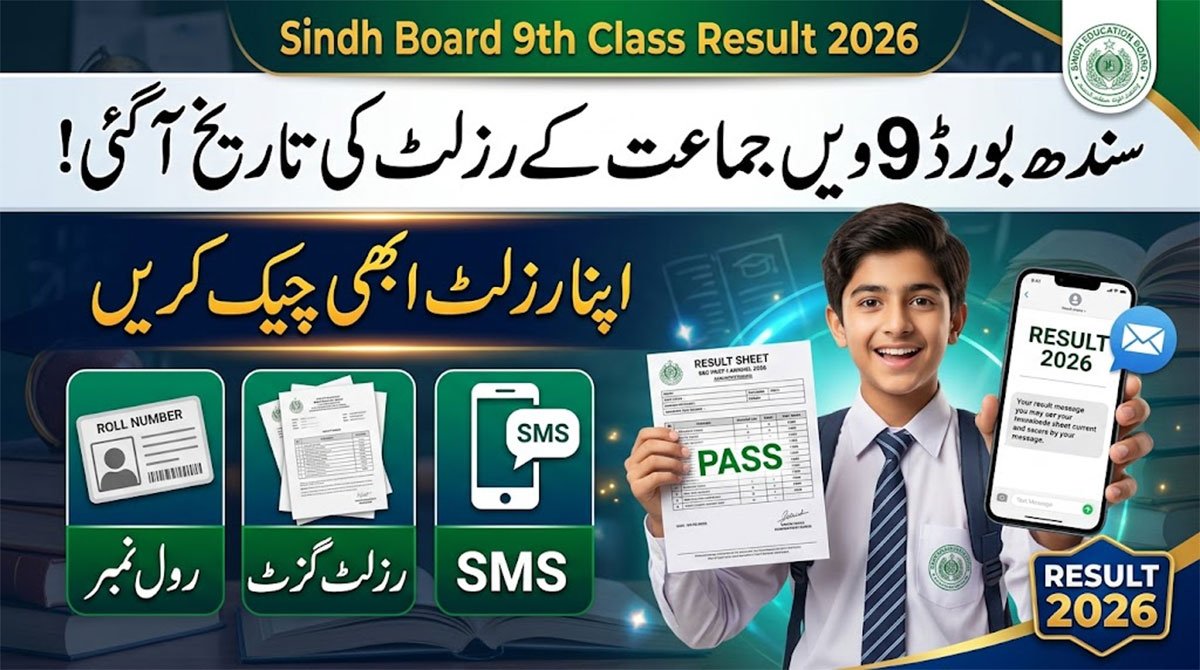
The wait is finally coming to an end for SSC Part-I students! If you are looking to check your Sindh Board 9th Class Result 2026 online, you have come to the right place. Educational boards across the Sindh province are currently finalizing the annual examination results. The official announcement is just around the corner, and students are eager to view their mark sheets.
Sindh Board 9th Class Result 2026 Check Online
According to the latest educational updates, the 9th class result 2026 for Sindh Boards is expected to be announced by August 31, 2026. While this timeline gives students a solid idea of when to expect their marks, it is important to remember that each regional board may release their results on slightly different dates within this window. For instance, the BSEK Karachi 9th result might be declared a day before or after the BISE Sukkur results.
سندھ بورڈ 9ویں جماعت (SSC Part-I) کا نتیجہ 2026 اگست کے آخر میں متوقع ہے۔ طلباء اپنا نتیجہ تین آسان طریقوں سے چیک کر سکتے ہیں۔ آن لائن رزلٹ دیکھنے کے لیے اپنے متعلقہ بورڈ (جیسے کراچی، حیدرآباد، سکھر وغیرہ) کی آفیشل ویب سائٹ پر جا کر اپنا رول نمبر درج کریں۔ بغیر انٹرنیٹ کے رزلٹ حاصل کرنے کے لیے اپنا رول نمبر ایس ایم ایس (SMS) میں ٹائپ کر کے 8583 پر بھیجیں۔ اس کے علاوہ، بورڈ کی ویب سائٹ سے رزلٹ گزٹ (PDF) ڈاؤن لوڈ کر کے بھی اپنا یا اپنے اسکول کا نتیجہ دیکھا جا سکتا ہے۔
9th Class Sindh Board Result 2026 Check Online
The expected August timeline covers all major educational boards operating under the Sindh Education Ministry. Whether you belong to the interior Sindh region or Karachi, you will be able to access your results through these official channels:
| Board Name | Exam Category | Link |
| BSEK Karachi | SSC Part-I | Check Result |
| BISE Hyderabad | SSC Part-I | Check Result |
| BISE Sukkur | SSC Part-I | Check Result |
| BISE Larkana | SSC Part-I | Check Result |
| BISE Mirpurkhas | SSC Part-I | Check Result |
How to Check Sindh Board 9th Class Result 2026?
1. Online (Via Board Website)
-
Visit the Website: Go to the official website of your specific board (e.g., BSEK Karachi, BISE Hyderabad).
-
Find Results: Click on the “Results” or “SSC Part-I Annual Result 2026” section.
-
Enter Details: Type your exact Roll Number as printed on your admit slip.
-
Submit: Click “Search” or “Submit” to view and download your mark sheet.
2. Via SMS (Offline Method)
-
Open Messages: Go to the SMS app on your mobile phone.
-
Type Roll Number: Type your exact 9th Class Roll Number.
-
Send to Code: Send the message to 8583, which is the official code for major Sindh boards like Karachi, Hyderabad, Sukkur, Larkana, and Mirpurkhas.
-
Receive Result: You will get an automated text message with your obtained marks.
3. Via 9th Class Result Gazette
-
Download PDF: About an hour after the announcement, download the “Result Gazette” PDF from your board’s official website.
-
Search: Open the document and search for your roll number, name, or school institution code to view your marks.